| Product Documentation
Hybrid Control Panel (v10)
Importing database
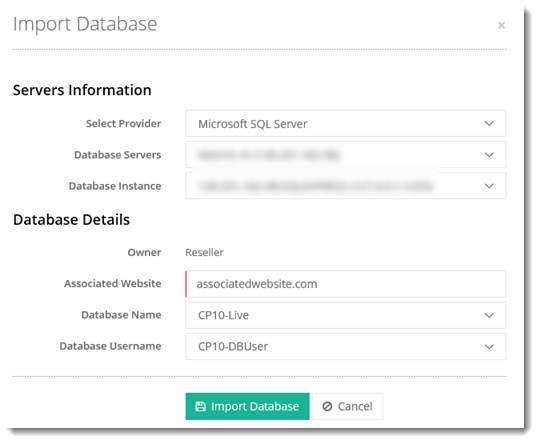
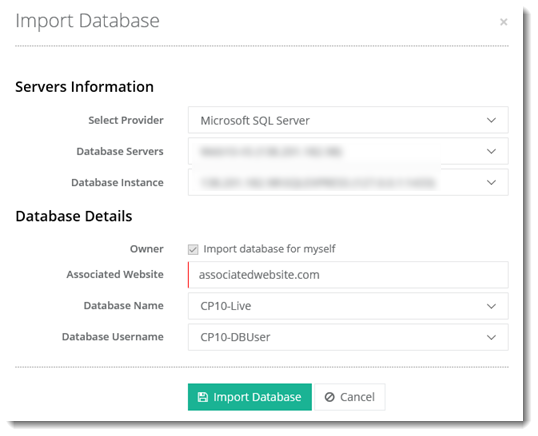
Existing Databases can be imported into HC10. The admin may import Databases for itself or for any customer beneath. Both SQL Server and MySQL Databases can be imported.
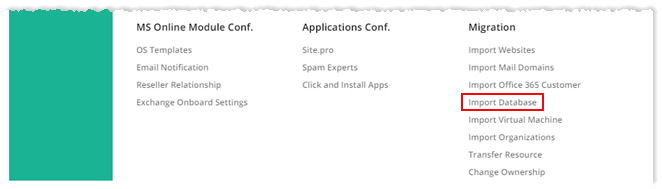
To import databases, from top right corner of your screen, click  and then go to Migration >> Import Databases.
Fields marked in red are required fields and cannot be left empty.
Myself
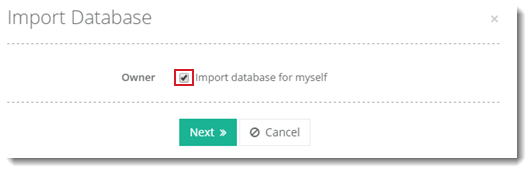
To import database for yourself, select Import database for myself checkbox and click Next to proceed or Cancel otherwise.
Selected User
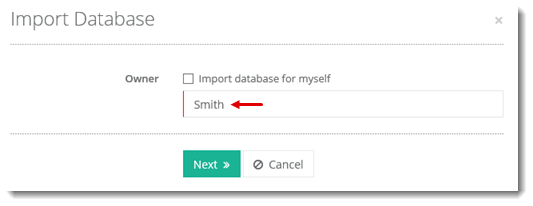
To import database for selected user, deselect Import database for myself checkbox and specify user. Click Next to proceed or Cancel otherwise.