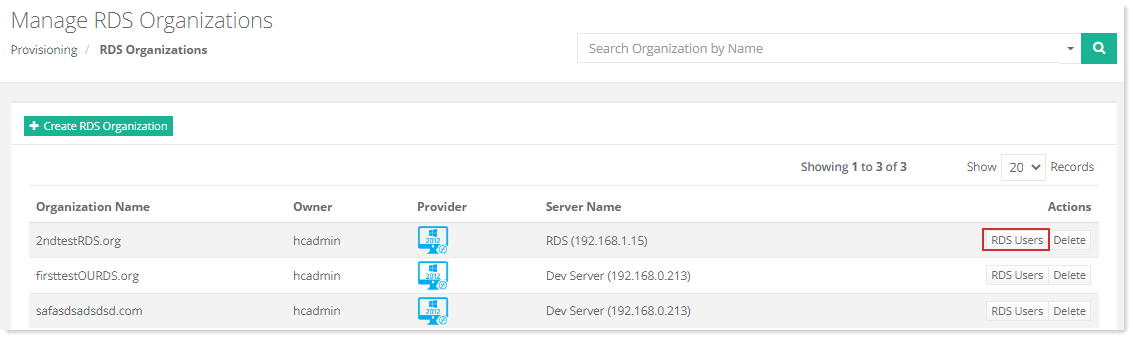
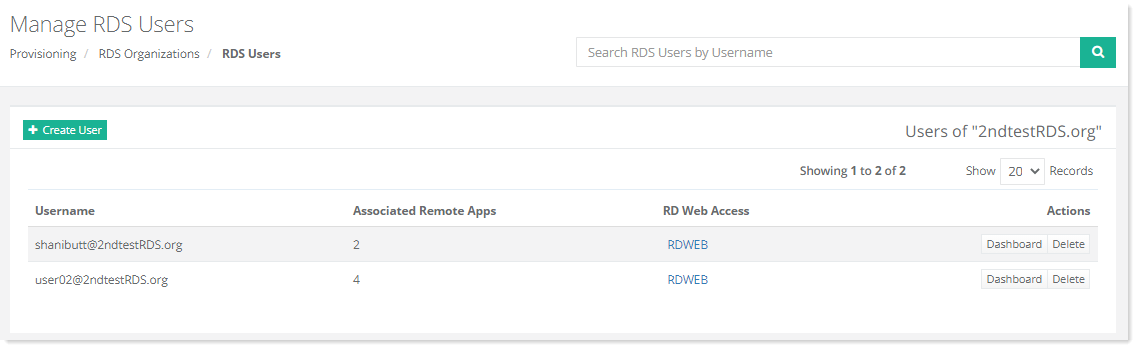
To manage RDS users, click RDS Users under Actions column. All the users under this organization are displayed.
|
Manage RDS Users page shows list of existing RDS users with additional information as:
- Username – displays the username of the RDS user.
- Associated Remote Apps – shows the number of remote apps associated with the user.
- RD Web Access - shows the URL where user can access the Remote Desktop web client. Remote Desktop web client lets users access the organization's Remote Desktop infrastructure through a compatible web browser.
- Actions - allow admins to perform various actions such as delete RDS users.
|
