
| Product Documentation
Hybrid Control Panel (v10)
User's Profile Settings
Some businesses may have predefined fields for user profiles like city, state or company and they may want to prevent users from making changes in them. They may also want to pre-populate these fields with predefined values to maintain standards across the organization for all employees. For such cases HC offers profile templates. These predefined templates carry user profile fields that can be set as default, can be hidden, marked as mandatory or can be disabled.
To manage organization templates and user profile settings, from the top right corner of your screen, click  and then go to Exchange Module Configuration >> User's Profile Settings.
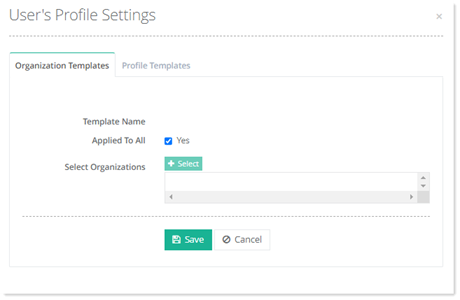
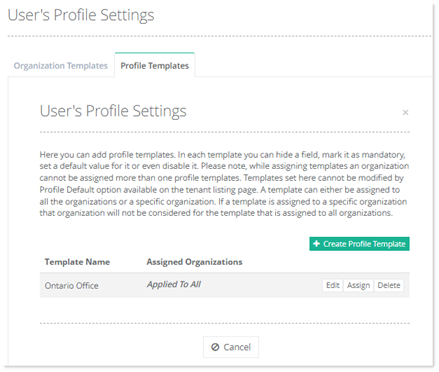

Create Profile Template
To create profile template, click +Create Profile Template. 
- Template Name: Type name of the template.
- Field Name: They represent the user’s address book attributes such as first name and last name. Each field can remain visible or hidden. To hide a field untick it.
- Default Value: A default value can be assigned to each field.
- Read Only: Fields can be made read only. A read only field cannot be changed by the user.
- Is Required: Fields can be made mandatory. A required field cannot be left empty.
Click Save to proceed.
Edit Profile Template
To modify template of any user profile, click Edit.
Assign Profile Template
To assign profile template to any organization, select Assign.
Delete a Profile Template
To remove a profile template, click Delete.
