| Product Documentation
Hybrid Control Panel (v10)
HC Agent Installation
Download HC Agent installer and follow the steps as stated to install HC on the Agent Server:
- Execute HCAgent_x64.msi to run the installation wizard.
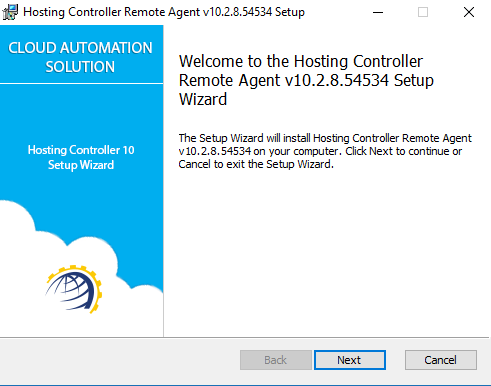
Click Next to proceed. - Read the license agreement carefully and accept it to start the installation process.
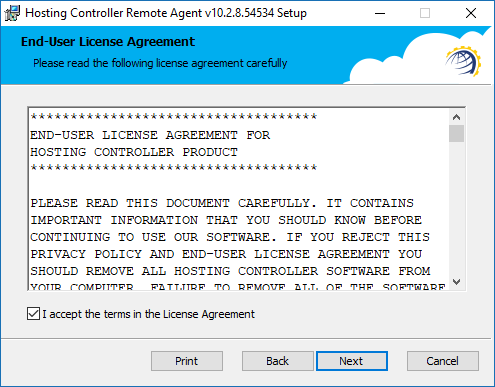
Click Next to proceed. - Specify installation path.
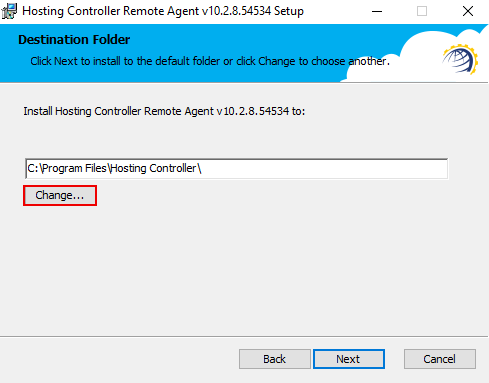
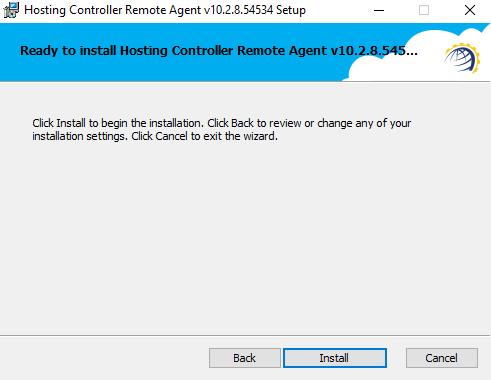
Click Next to proceed. - Click Install to start the installation process.